
A temporary redirect where a permanent one belongs.
Found by Redirect checker →
The URL redirects back to itself and never settles.
Found by Redirect checker →
Polite crawl budget and rate limits
SpiderHead is polite by default: about two requests per second per host, bounded read-only requests, and an explicit URL cap that is a budget rather than a guess about site size.
Polite crawl budget and rate limits
Budgets you set
Request and time budgets, scope and template rules, include and exclude rules by extension or media type.
- --max-urls is an explicit budget
- Politeness adapts to the origin
Safe by design
Network tools block private targets unless explicitly allowed; the crawler sends only bounded, read-only requests to the site you name.
Three steps, one saved scan
Set a URL budget
--max-urls caps the pages a crawl fetches (default 200), and going past a project budget needs --approve-large-crawl.
Pace each host
The default delay is 0.5 seconds between requests, about two per second per host; --max-urls-per-second sets the rate, and adaptive back-off slows the crawl when the server struggles.
Honor robots.txt and private targets
robots.txt is obeyed by default, and private or local addresses stay blocked until you allow them by name.
Checks in this feature
| Check | What it means | Severity | Evidence |
|---|---|---|---|
SLOW_RESPONSE | The server took longer than 1.5 seconds to respond | Important | Response time per page against the 1.5 s threshold |
BLOCKED_BY_ROBOTS | The URL is blocked by robots.txt | Important | Blocked URL from the crawl or SF export |
IMPORTANT_URL_BLOCKED_BY_ROBOTS | A page that receives internal links is blocked by robots.txt, so link discovery stops | Important | Blocked URL and its internal inlinks |
ROBOTS_BLOCKS_RESOURCES | robots.txt blocks JavaScript or CSS needed to render the page | Tip | Blocked resource URL |
SITEMAP_NOT_IN_ROBOTS | robots.txt has no Sitemap directive | Tip | robots.txt content |
One command
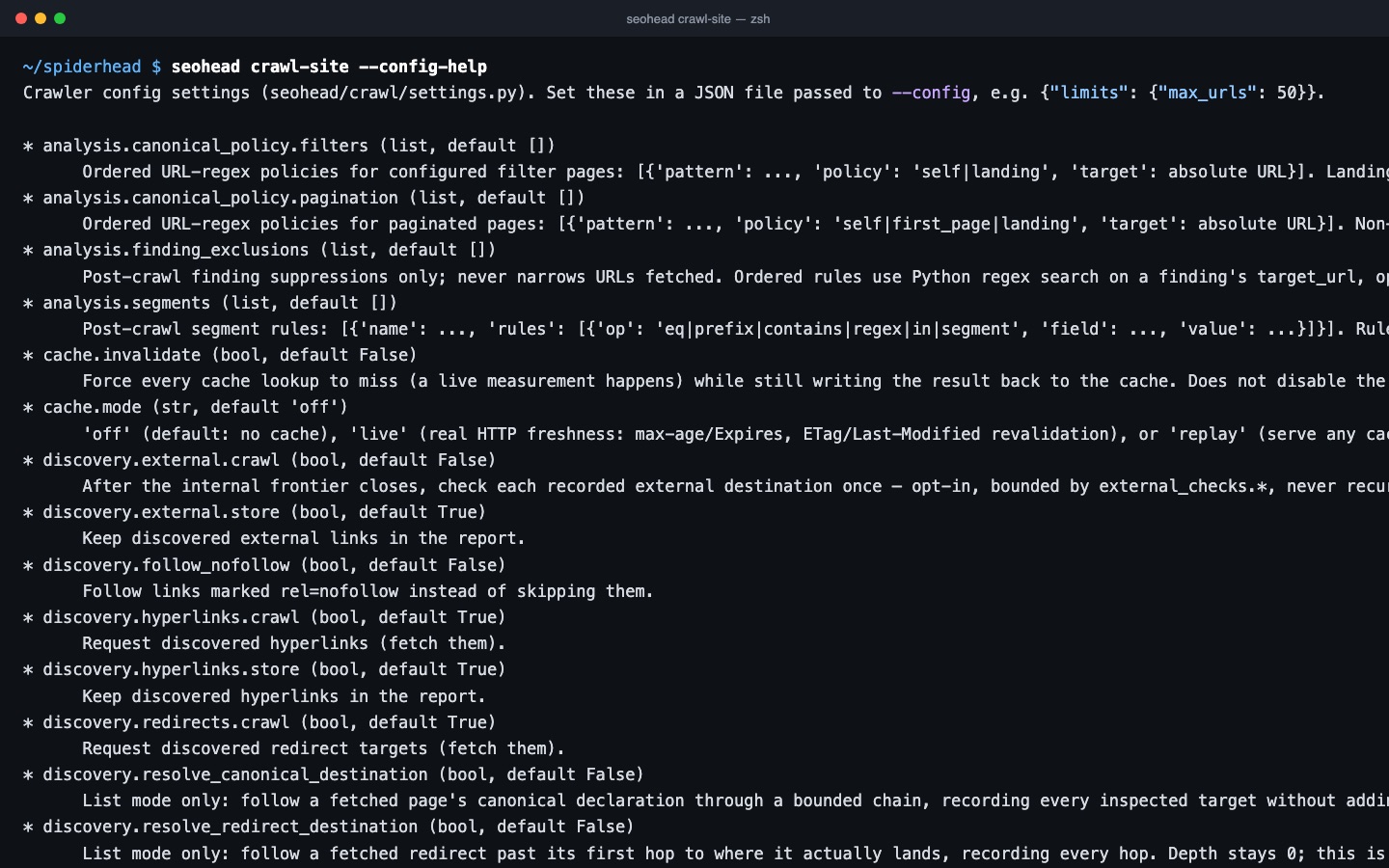
seohead crawl-site --config-helpInstall first: installation guide. Every command also runs as an MCP tool for AI agents.
From the check registry
SLOW_RESPONSE