
Install SpiderHead
The core installs from the repository into a virtual environment. Nothing is installed globally.
Needs Python 3.10 or newer, pip and git. See requirements for optional components.
Fastest: let your AI agent do it
No installer yet, so the quickest path is to hand the job to an agent. Copy the prompt, paste it into your agent (Claude Code, Codex, Cursor or similar) and approve the commands it runs.
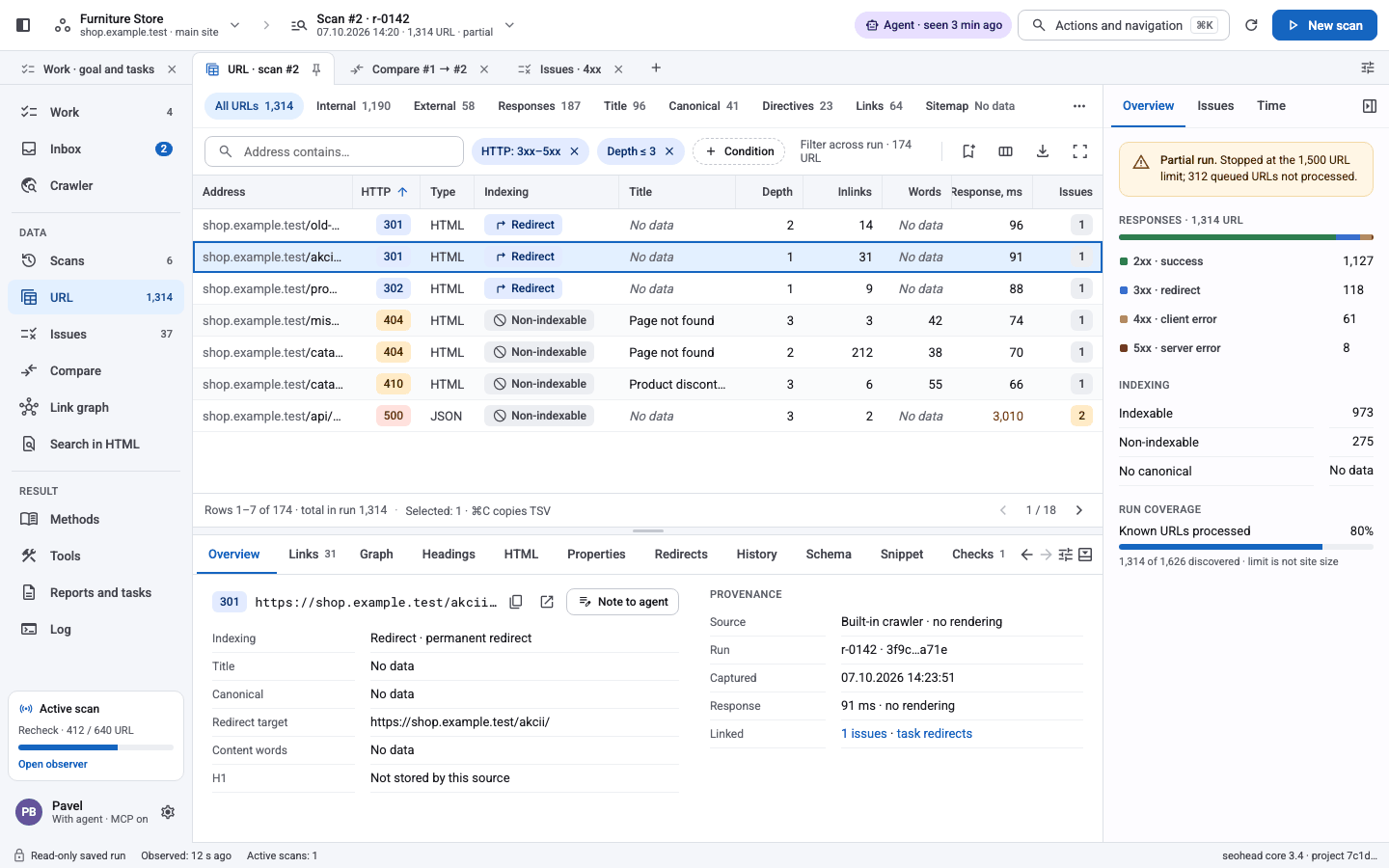
PromptInstall SpiderHead for me. 1. Clone https://github.com/PavloSEO/spiderhead into ~/spiderhead. 2. Create a Python 3.10+ virtual environment inside it and run python -m pip install -e ".[all]". 3. Install Chromium: python -m playwright install chromium. 4. Check it works: seohead --version. 5. Register ~/spiderhead/.venv/bin/seohead mcp as an MCP server in this agent's configuration. Tell me what you did and anything that failed.An AI agent running the install prompt, then the desktop app on first start. Prefer a file? Download the latest ZIP of the repository, unpack it and continue from step 2.Download ZIPOr install by hand
1Clone and install
Every optional dependency group is included by the all extra.
bash · macOS / Linuxgit clone https://github.com/PavloSEO/spiderhead.git cd spiderhead python -m venv .venv source .venv/bin/activate python -m pip install -e ".[all]" seohead --help2With uv
uv sync creates the same environment from the committed uv.lock.
bashuv sync --all-extras uv run seohead --help3Windows PowerShell
Use the virtual environment's interpreter explicitly; activation is optional.
PowerShellpy -3.12 -m venv .venv .\.venv\Scripts\python.exe -m pip install ".[mcp,reports]" .\.venv\Scripts\python.exe -m seohead --version- Smaller installs. Extras such as mcp, render, reports, pdf and gsc can be installed separately. A tool whose extra is missing answers with the exact install command.
4Browser for rendering
Only needed for JavaScript rendering checks.
bashpython -m playwright install chromiumChromium takes about 150 MB. Skip it if you only analyse Screaming Frog exports.5Connect data sources (optional)
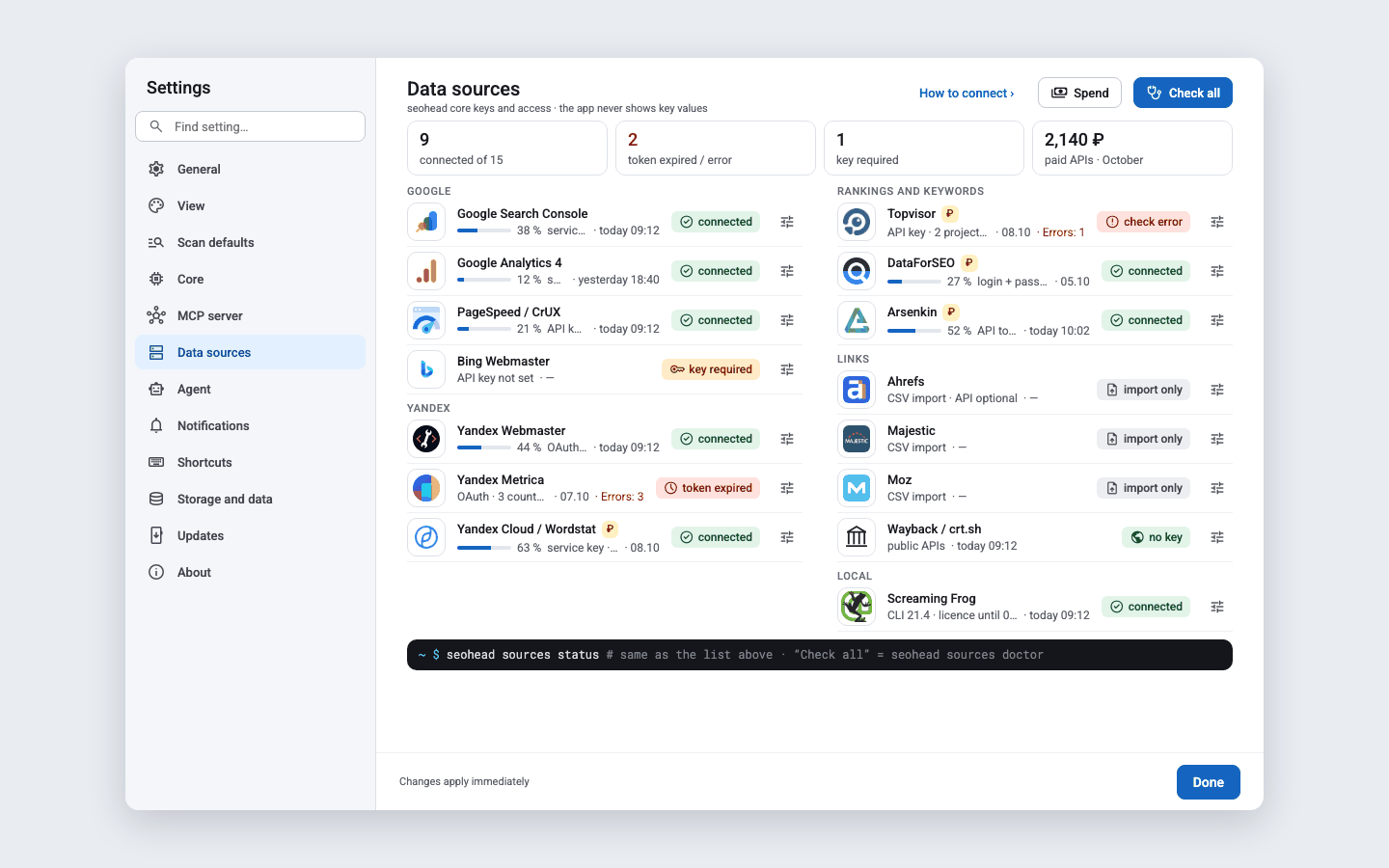
Open Settings › Data sources in the desktop app. Each provider shows whether it is connected, needs a key or is off.
Settings › Data sources. Paid providers stay off until you add a key.
Edit this page on GitHubUpdated 10.10.2026