
A temporary redirect where a permanent one belongs.
Found by Redirect checker →
The URL redirects back to itself and never settles.
Found by Redirect checker →
Crawl scope, robots.txt and directives
Decide what a crawl may touch: scope rules, robots policy, and a robots.txt check that explains which rule blocks which URL.
Crawl scope, robots.txt and directives
robots.txt check
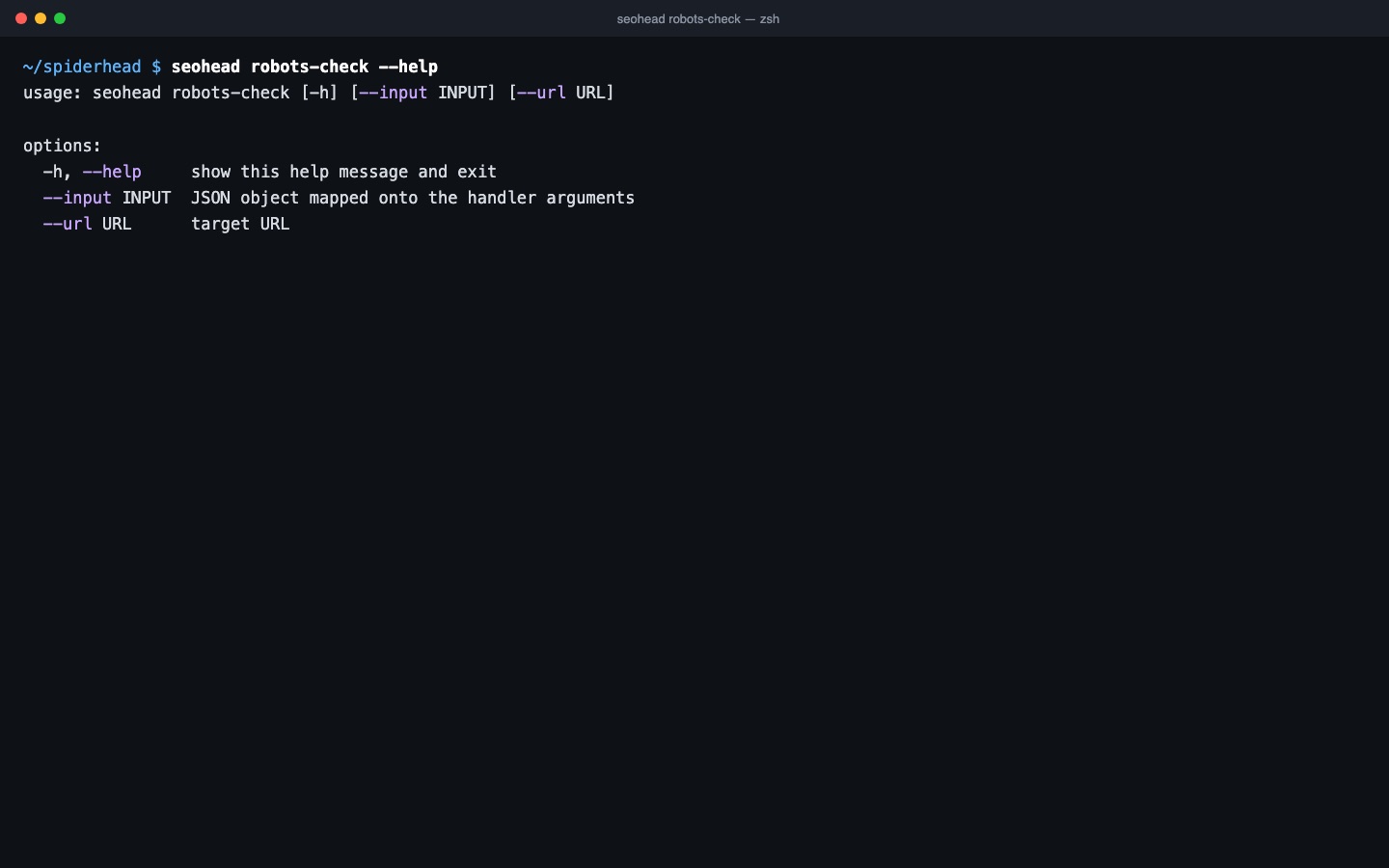
robots-check reads robots.txt and reports blocked paths, declared sitemaps and resources that rendering needs.
- Blocked JS or CSS for rendering
- Sitemap directive present or missing
Directives
Page-level noindex, nofollow, nosnippet, unavailable_after and X-Robots-Tag are read and reported.
Three steps, one saved scan
Set the crawl scope
Include and exclude patterns, named segments, extension filters, a depth limit and a URL cap decide which pages a crawl fetches.
Pick the robots policy
Each crawl can obey robots.txt, only report what it blocks, or ignore it. The flag is --robots respect, report_only or ignore.
Test a path before you crawl
robots-check reads the file for one user-agent and tests the paths you give it, so you know what a crawler is allowed to request.
Checks in this feature
| Check | What it means | Severity | Evidence |
|---|---|---|---|
IMPORTANT_URL_BLOCKED_BY_ROBOTS | A live page that receives internal links is blocked by robots.txt. The links carry no value for discovery, so the page is lost from the crawl path. Robots.txt blocks crawling, not indexing. | Important | Blocked URL, the internal links pointing to it, and the matching Disallow rule |
BLOCKED_BY_ROBOTS | A URL is blocked by robots.txt. Confirm the block is intentional. | Important | Blocked URL and the matching rule |
ROBOTS_BLOCKS_RESOURCES | robots.txt blocks JavaScript or CSS needed for rendering, so search engines may render the page incompletely. | Important | Blocked .js or .css URL and the rule that blocks it |
DIRECTIVES_OUTSIDE_HEAD | A robots meta directive sits outside the head element, so it is not applied. A noindex or nofollow in that position has no effect. | Critical | The element that precedes the directive in the document |
UNAVAILABLE_AFTER | The page carries an unavailable_after directive, which removes it from the index on a set date. | Important | Directive value and date |
NOINDEX | The page contains a noindex directive. Confirm that leaving the index is intentional. | Tip | Directive source: meta robots or X-Robots-Tag |
SITEMAP_NOT_IN_ROBOTS | robots.txt has no Sitemap directive. Adding one with the absolute sitemap URL helps crawlers find it. | Tip | Sitemap directives found in robots.txt |
One command
seohead robots-check --url https://example.com/Install first: installation guide. Every command also runs as an MCP tool for AI agents.
From the check registry
BLOCKED_BY_ROBOTSIMPORTANT_URL_BLOCKED_BY_ROBOTSROBOTS_BLOCKS_RESOURCESSITEMAP_NOT_IN_ROBOTSNOINDEXNOSNIPPET