
A temporary redirect where a permanent one belongs.
Found by Redirect checker →
The URL redirects back to itself and never settles.
Found by Redirect checker →
JavaScript rendering crawler
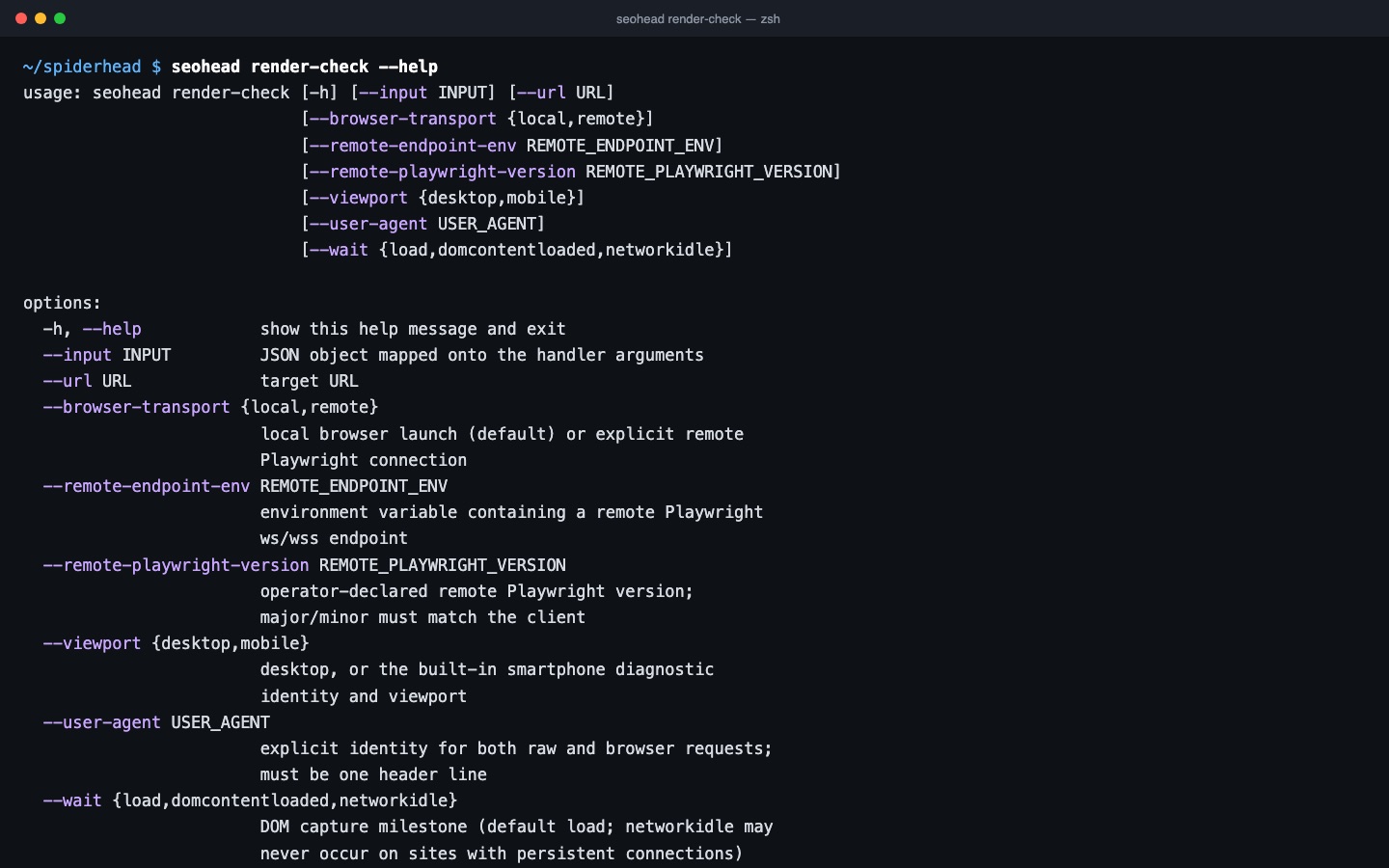
Optional JavaScript crawling renders pages in Chromium through Playwright and keeps the raw and the rendered DOM side by side, so you can see what only exists after scripts run.
JavaScript rendering crawler
Raw versus rendered
render-check and rendered crawls compare the HTML the server sent with the DOM after rendering: titles, canonicals, links and content that appear or disappear.
- Rendered routes and observed navigation
- Lab timings, not field Core Web Vitals
Only when you need it
The browser is an optional extra (the render group, about 150 MB for Chromium). The core crawl works without it.
- pip install -e ".[render]"
- python -m playwright install chromium
Three steps, one saved scan
Fetch the raw HTML and the rendered DOM
render-check loads the URL twice: once as the server sends it, and once in Chromium through Playwright after scripts run.
Compare what only appears after scripts
The comparison counts words and links that exist only after rendering, and flags an empty app shell such as a bare #root or #app mount point.
Read console errors and lab timings
Script errors logged during the render are reported as JS_CONSOLE_ERRORS. Timings come from one local run and are lab data, not field Core Web Vitals.
Checks in this feature
| Check | What it means | Severity | Evidence |
|---|---|---|---|
JS_CONSOLE_ERRORS | The page logged JavaScript errors in the browser console while it was rendered | Important | Console error text from the rendered run |
ROBOTS_BLOCKS_RESOURCES | robots.txt blocks .js, .css or _next/static files that rendering needs | Tip | robots.txt rule that matches the resource path (from robots-check) |
AJAX_CRAWLING_SCHEME_URL | A page or a link it carries uses the deprecated #! or _escaped_fragment_ AJAX scheme | Tip | The URL that uses the scheme |
One command
seohead render-check --url https://example.com/Install first: installation guide. Every command also runs as an MCP tool for AI agents.
From the check registry
ROBOTS_BLOCKS_RESOURCESAJAX_CRAWLING_SCHEME_URL