
A temporary redirect where a permanent one belongs.
Found by Redirect checker →
The URL redirects back to itself and never settles.
Found by Redirect checker →
SEO command line toolkit
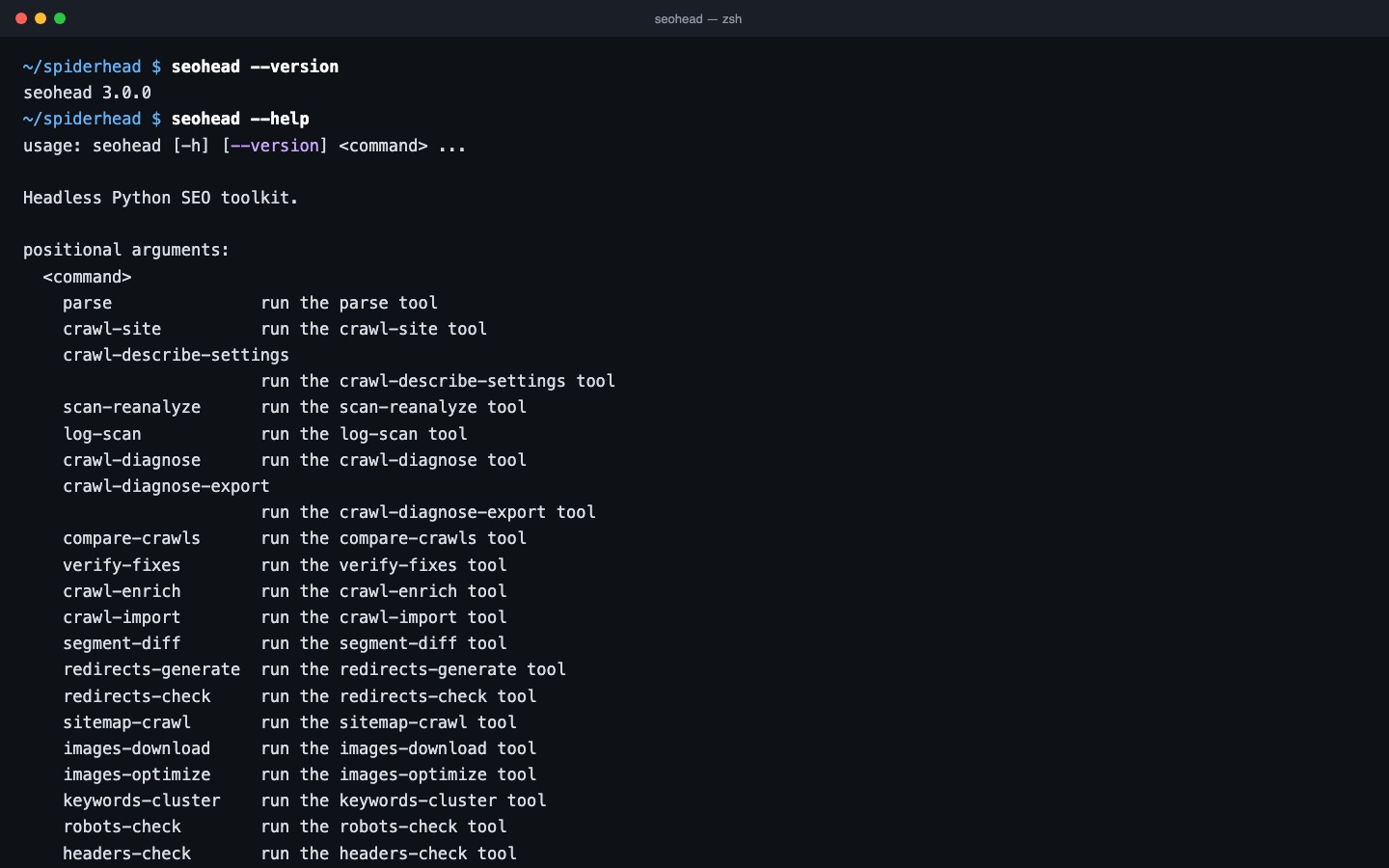
The seohead command exposes every core tool for scripts, CI and terminal work. Commands shown in the docs are checked in CI.
SEO command line toolkit
Scriptable
JSON output, explicit budgets and exit codes for automation.
SEO command line toolkit
Tool catalogue
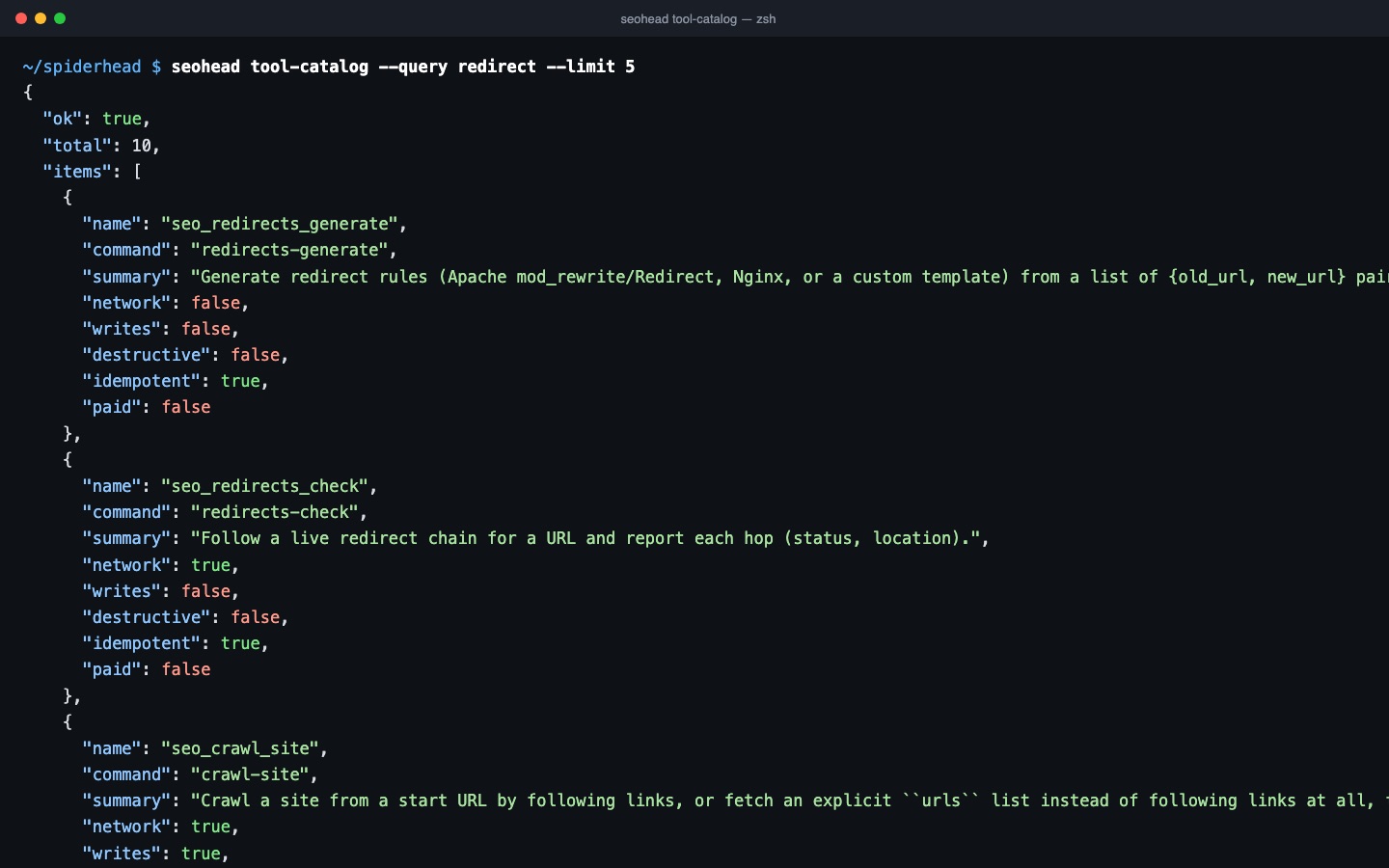
tool-catalog lists what each command does, whether it uses the network, writes files or costs money.
Three steps, one saved scan
Pick a command
Run seohead --help or search with tool-catalog. Each command has one job and a single entry in the catalog.
Read JSON and the exit code
Output is always JSON on stdout. Exit code 0 means the command completed. Exit code 1 means it could not finish, and the reason is in the JSON.
Same commands for AI agents
seohead mcp starts a local MCP server. Every command is also a tool named seo_<command>, for example seo_crawl_site.
Checks in this feature
| Check | What it means | Severity | Evidence |
|---|---|---|---|
BROKEN_PAGE_4XX | The page returns a 4xx response. | Critical | Response code per URL from crawl-site |
SERVER_ERROR_5XX | The page returns a 5xx response. | Critical | Response code per URL from crawl-site |
BLOCKED_BY_ROBOTS | robots.txt blocks the URL. | Important | robots.txt rule matched for the URL from crawl-site |
SITEMAP_URL_4XX_5XX | The sitemap lists a URL that returns 4xx or 5xx. | Critical | Sitemap entries from sitemap-crawl |
SITEMAP_DESYNC | The sitemap URL set and the crawled URL set do not match. | Important | Sitemap from sitemap-crawl compared with crawl-site |
URL_NOT_IN_SITEMAP | An indexable page is missing from the sitemap. | Tip | Crawl result compared with the sitemap URL set |
One command
seohead tool-catalog --query redirect --limit 5Install first: installation guide. Every command also runs as an MCP tool for AI agents.